
Photobooth user guide for customers in Eindhoven
Use this guide together with the instruction card supplied with your system. Details may vary by model. Test the photobooth before your party and follow the troubleshooting steps if a problem occurs. Still need help? Email your order number, a description and, if possible, a photo of the problem to post@photobooth-in-eindhoven.nl.
Delivery and preparation
For Eindhoven, we deliver and collect exclusively at a home or business address. Your confirmation contains the agreed dates; an estimated time will be sent by text message and email in advance. Customer collection and direct delivery to the event venue are not available.
Arrange transport to your venue yourself. Allow for a weight of approximately 25 kg and lift carefully. Keep all protective covers and packaging for the return transport.
1. Place the system on a stable surface
Remove the protective covers following the supplied card and place the photobooth on a sturdy table or stable surface. Choose a dry spot away from walkways. Avoid direct sunlight, bright lights and complete darkness; ambient light affects the result.
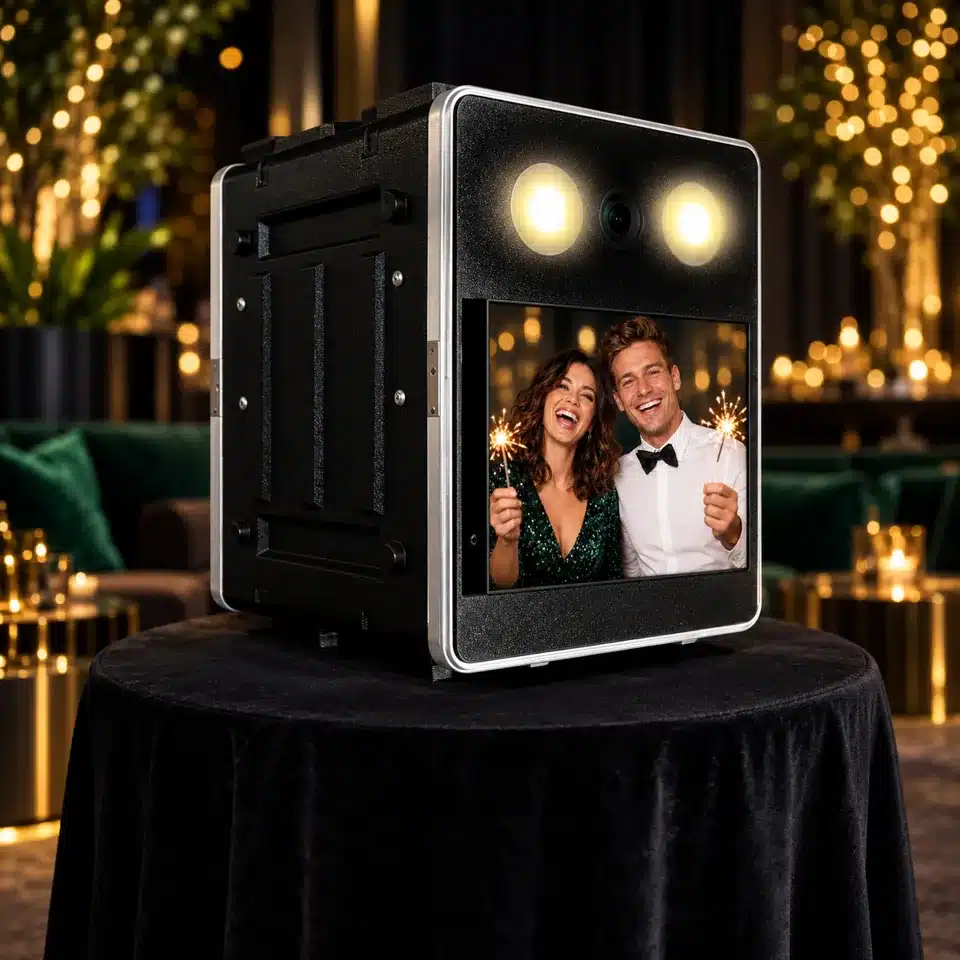
Edited product image for illustration; always follow your model’s instruction card when setting up.
2. Connect and test
Plug it into a power socket. Starting up and warming up takes approximately six minutes. Then tap the touchscreen and take a test photo. On models with a printer, prints come out at the back of the system. Keep this outlet clear of cables, objects and hands.
Using a supplied USB stick
Did you receive a special USB stick with your order? Insert it in the designated socket before use, following the instruction card. Do not use a different USB stick. Leave it inserted during the party and remove it only afterwards; you may keep the supplied stick.
3. Pack it carefully
Clean the screen and casing gently with a soft cloth. Replace the front protective cover and secure all clips. Coil the cable neatly and attach the rear cover too. Check both covers before moving the system.
You may keep any props you ordered and any USB stick supplied. Have the case ready upright, with the stickers at the top, at the agreed home or business address. Make sure someone is there to hand it to the driver.
Help during use
If no prints come out or the system behaves unexpectedly, first follow the steps in the troubleshooting guide. If you still cannot resolve the problem, email your order number and a description to post@photobooth-in-eindhoven.nl. Do not open or modify internal components on your own initiative.